A video editor your coding agent can drive
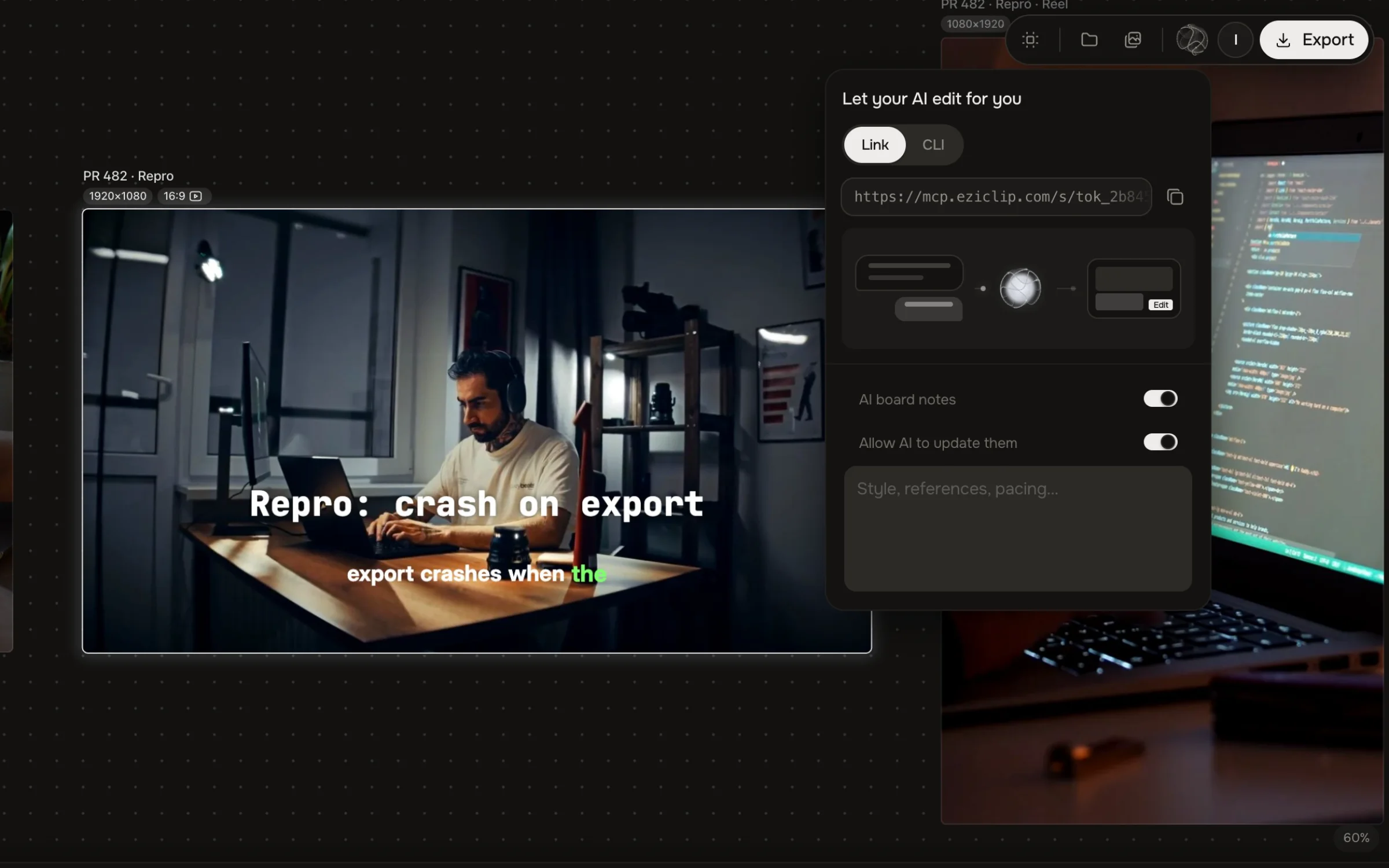
Connect Studio to Cursor, Claude Code or Codex. Your agent cuts, captions and exports on a board you can open — and the footage never leaves your machine.
Made for the way you ship


What blocks a PR demo
The repro is four minutes long
Cut by text or Remove pauses: keep the seconds where it breaks, the rest drops off the timeline.
Reviewers watch muted
Transcribe on your device and burn the lines in as captions — the repro reads without sound, nothing uploaded.
GitHub and Discord bounce the file
Export Optimized or Compress video until it fits under 10 MB — it runs in the browser, no cloud compressor.
The tracker wants a specific container
Pick MP4, WebM or MOV at export — one edit, whatever container the tracker accepts.
Builds and spinners eat the take
Set the wait on the timeline to 4× with pitch kept — the build is a beat, the point stays.
Footage can’t leave the laptop
Editing, transcription and export all run locally — the recording never leaves your machine.
Fix the repro three ways
Side by side with what you use now
Choose Eziclip if
You don't want Pro effects to bring the watermark back
You want your footage private, not uploaded to CapCut's cloud
You want your own AI agent to edit the project
 Choose CapCut if
You want a huge library of premium templates and effects
You want AI avatars, AI video generation or the phone app
Quick tools your agent runs too
Questions
Yes, with Eziclip connected. Run npx eziclip, approve in the browser, and your agent gets Studio’s editing tools over MCP: import, transcribe, cut, caption, color, voiceover and export.
No. Editing, transcription and export run in your browser on your machine. The agent sends commands to Studio; the video files stay local.
Trim it to the part that matters, export, and run it through the video compressor if it’s still too big. Short clips usually fit; long ones may need 720p. Paid GitHub plans accept up to 100 MB.
Yes. npx eziclip signs you in, checks Chrome and your plan, and runs the MCP server. It works in a terminal, in CI or from an agent config.
Studio and every export are free. Agent automation is free for 10 tasks per rolling 30 days; Plus is $9 a month for unlimited.
Also built for
Make the next one today
Free Studio for you and your agent. No watermark, no export limit.