Video with the control you expect from a design tool
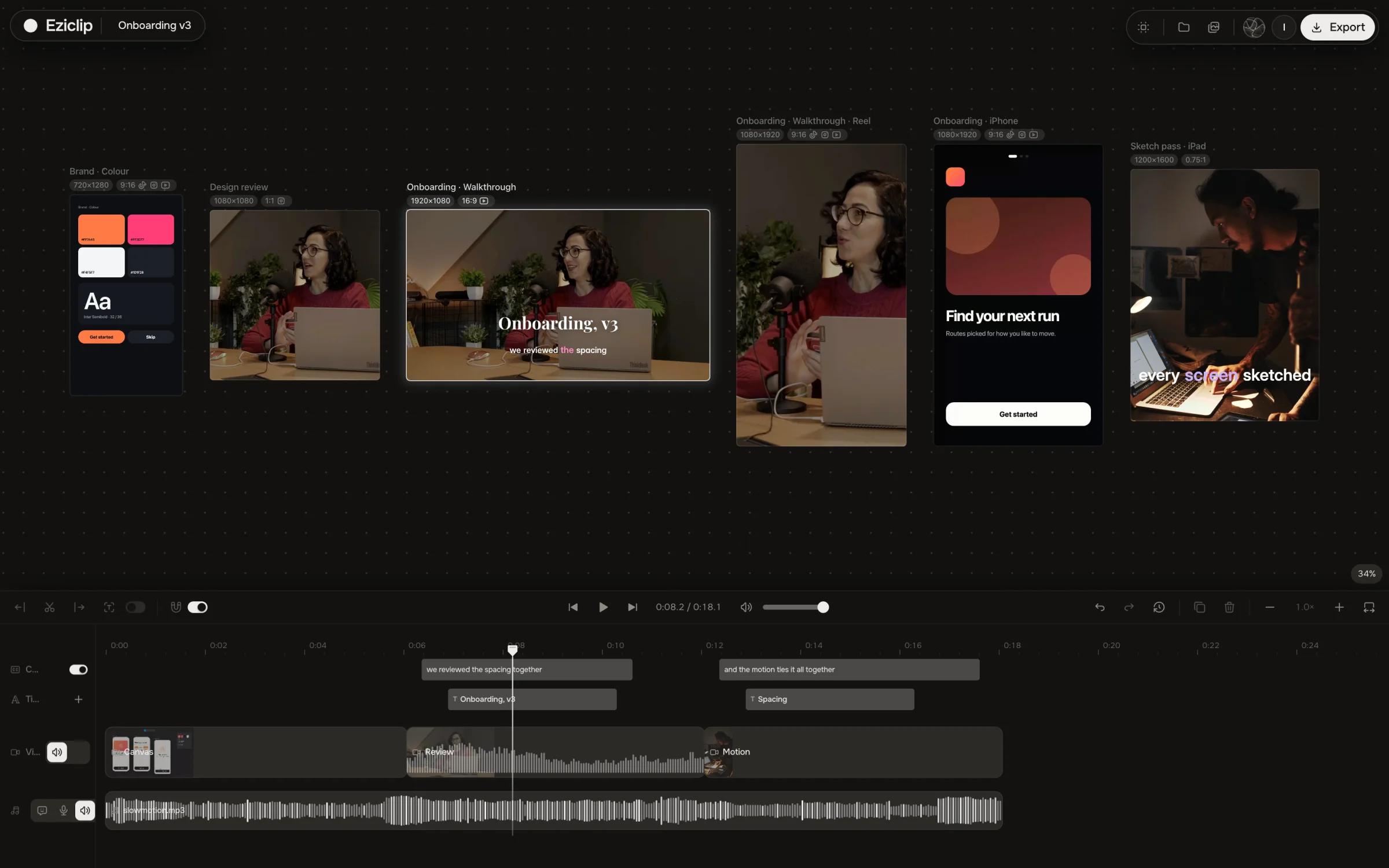
Keep every version on one open board, set your own type, grade the footage and export at exact sizes. Or let your AI do the first pass. Free, no watermark.
Built the way you work


Where a design video loses time
Wrong pixel size = App Store reject
Export at 886×1920 or 1200×1600, the frame sizes Apple accepts, straight from the board.
Muted autoplay, no captions
Burn captions in your brand font onto the preview — it plays and reads on mute.
Thirty seconds of spinner
Set the loading stretch to 2× or 4× on its own clip — the flow stays readable, the wait doesn’t.
720p capture looks soft on Retina
Upscale the capture to 1080p before export — UI text and edges come out sharp on Retina.
Hand-held device demo wobbles
Stabilize the clip in Studio — the phone shot steadies without a tripod or a re-shoot.
They want MOV, you have WebM
Export MP4, MOV or WebM from the same edit — no re-render in another tool.
Ship the preview three ways
Side by side with what you use now
Choose Eziclip if
You don't want Pro effects to bring the watermark back
You want your footage private, not uploaded to CapCut's cloud
You want your own AI agent to edit the project
 Choose CapCut if
You want a huge library of premium templates and effects
You want AI avatars, AI video generation or the phone app
Quick tools your agent runs too
Questions
For current iPhones with Face ID or Dynamic Island, Apple accepts 886 × 1920 portrait or 1920 × 886 landscape. iPhones with a Home button take 1080 × 1920. iPad takes 1200 × 1600. Previews must be 15 to 30 seconds, up to 500 MB, at no more than 30 fps.
Yes. Set the canvas size in Eziclip Studio, cut the recording, add captions and export at 30 fps. Exports are free and carry no watermark.
No. Google Play takes a YouTube URL. The video must be public or unlisted, with ads turned off and no age restriction. Only the first 30 seconds autoplay, muted.
Yes. Pick a bundled font or any font installed on your machine in Chrome or Edge. Captions burn into the export.
Apple and Google both autoplay previews muted, and Google recommends captions. Short captions that name each screen help people who never turn the sound on.
Also built for
Make the next one today
Free Studio for you and your agent. No watermark, no export limit.